.webp&w=64&q=75)
Introduction
In the modern digital landscape, your customers are everywhere. They might initiate a conversation via a quick Tweet, follow up with a detailed email, and finally call your support line when the issue becomes urgent. If your support team treats these interactions as three separate events, you have already failed the test of consistency.
Streamline your software evaluation process
However, the cost of this fragmentation goes beyond customer churn. It is a silent killer of agent morale. When support representatives are forced to toggle between ten different tabs to piece together a customer's story, burnout is inevitable. The cognitive load of "context switching" drains energy that should be spent on empathy and problem-solving.
For the customer, the frustration of having to repeat their story is a primary driver of dissatisfaction. According to recent research, 73% of consumers will switch to a competitor after multiple bad experiences, and disjointed communication is often the culprit. The goal for forward-thinking support leaders is to deliver a seamless customer experience across channels, creating a unified narrative regardless of the touchpoint.
This guide is designed for Customer Support Managers and Operations Leads who are ready to move beyond chaotic, siloed inboxes. We will explore how to audit your current ecosystem, implement a unified agent workspace using top-tier software, and standardize your service delivery to ensure that every customer feels known and valued.
Key Takeaways
Transitioning from a fragmented multichannel setup to a seamless omnichannel experience requires a strategic, step-by-step framework. To achieve consistency across all customer touchpoints, focus on these core actions:
Audit your current ecosystem: Map every customer entry point and identify internal data silos. You cannot fix context gaps until you know exactly where they occur.
Implement a unified agent workspace: Equip your team with centralized platforms like Zendesk or Help Scout. Giving agents a single view of the customer's history eliminates context-switching and speeds up resolution times.
Deploy specialized tools strategically: Use purpose-built solutions—such as Gorgias for e-commerce or Pylon for B2B messaging—that integrate directly into your main hub without creating new silos.
Standardize tone and SLAs: Create a universal style guide and leverage AI to ensure your brand voice remains identical whether a customer reaches out via live chat, email, or social media.
Measure omnichannel KPIs: Track Customer Satisfaction (CSAT) by channel, Omnichannel First Contact Resolution (FCR), and Customer Effort Score (CES) to continuously monitor and reduce customer friction.
Software covered in this article
The following solutions are thoughtfully chosen to support practical steps in creating a reliable, omnichannel customer experience.









Multichannel vs. Omnichannel: Understanding the Distinction
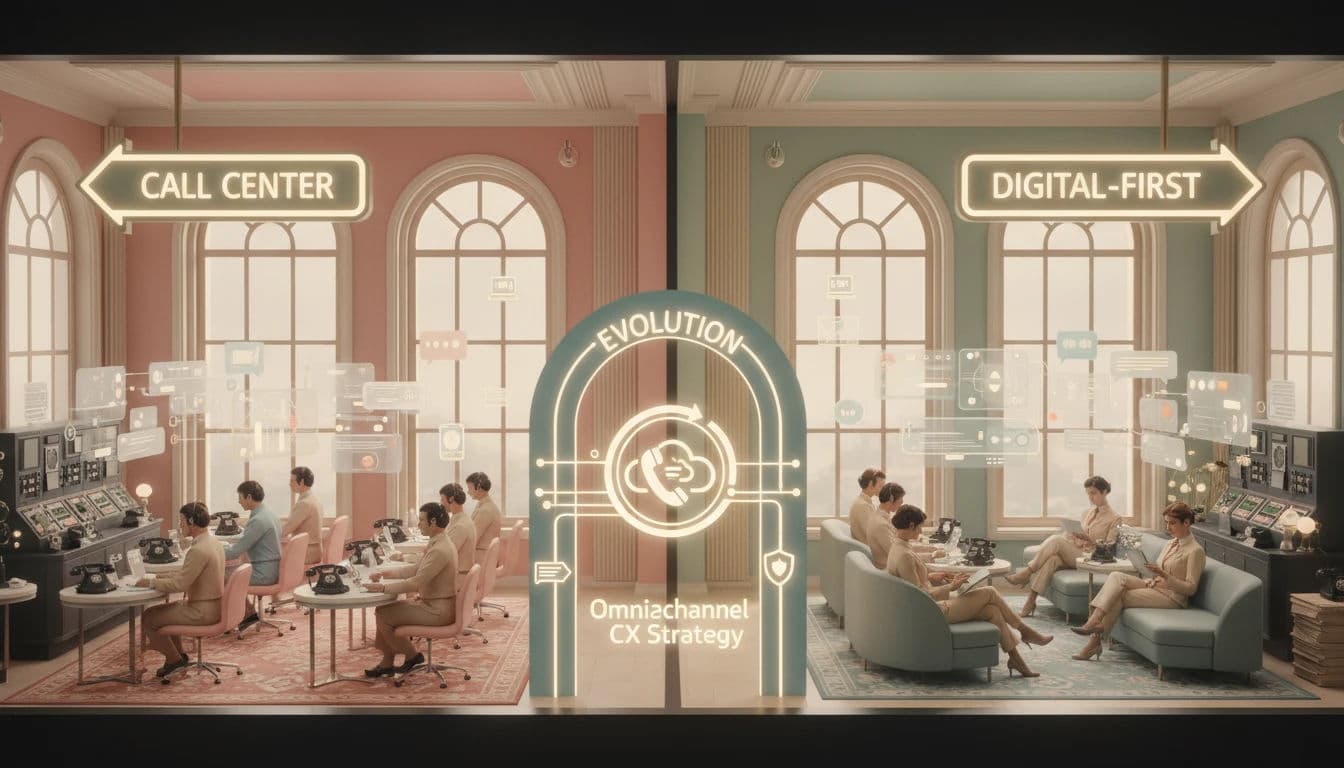
Before diving into technical implementation, managers must distinguish between a "multichannel" and an "omnichannel" strategy. While both offer multiple contact methods (email, phone, live chat, social media), they represent fundamentally different operational realities.
Start your CX audit today — uncover silos and boost omnichannel consistency.
Multichannel support operates in silos. A social media manager handling Twitter DMs lacks visibility into an email ticket the customer opened yesterday. This forces customers to repeat their issue at every touchpoint, increasing frustration and resolution time.
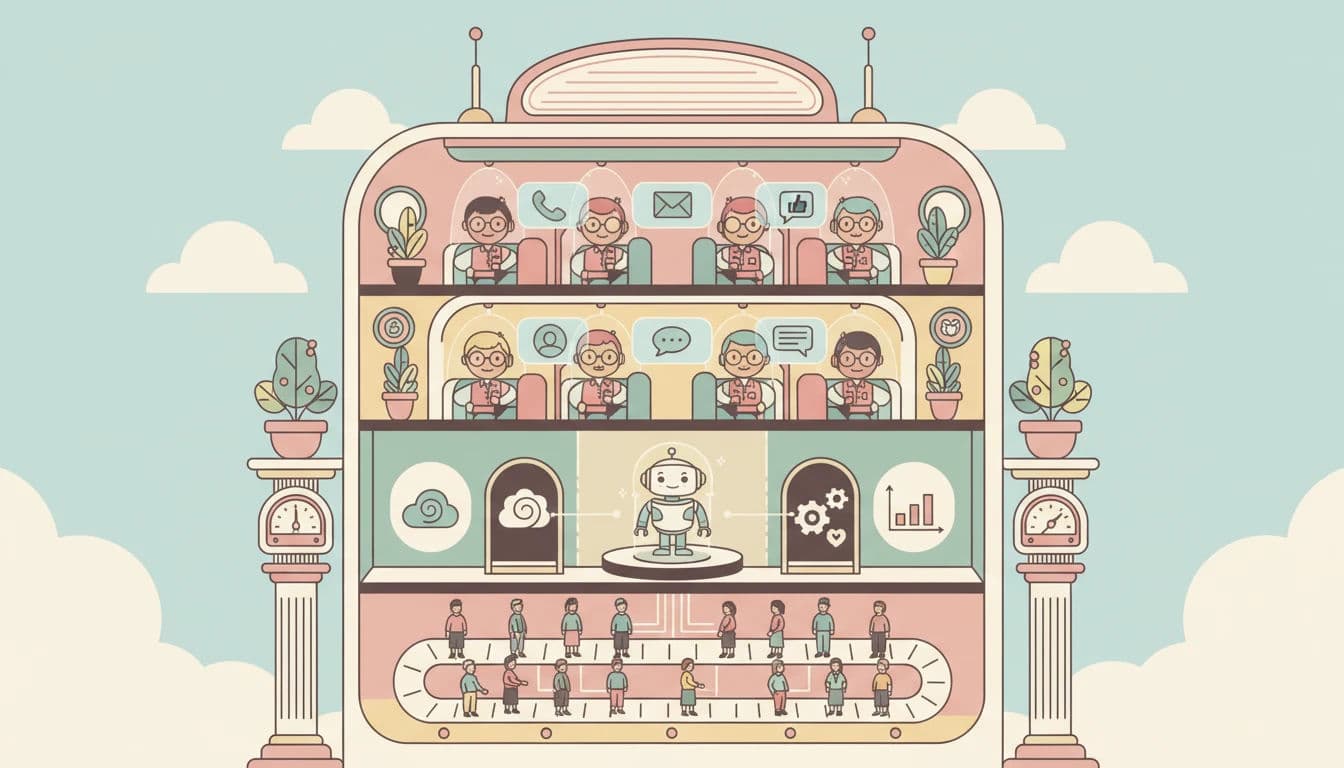
Omnichannel support, by contrast, integrates these touchpoints into a unified customer journey. The core mechanic behind this is the omnichannel workspace—a centralized dashboard where data flows freely between platforms via API integrations and webhooks. In this environment, the context travels with the customer.
Here is exactly how to use a unified platform to reduce miscommunication in support:
Consolidate customer history: Route all interactions (voice, chat, email, social) into a single timeline. When an agent answers a live chat, they immediately see if the customer called last week, preventing conflicting answers.
Standardize internal notes: Use the workspace's shared ticketing system to leave pinned notes about ongoing issues. This ensures the next agent picks up exactly where the last one left off without asking redundant questions.
Automate context handoffs: Configure routing rules so that if a chatbot escalates a complex query to a human, the entire chat transcript is automatically attached to the agent's view.
Companies with robust omnichannel strategies retain 89% of their customers, compared to 33% for those with weak integration. Moving to this model requires more than just buying software; it involves retiring legacy systems, cleaning dirty data, and mapping complex workflows to ensure seamless data flow.
Step 1: Auditing Your Current Support Ecosystem
The first step toward consistency is a ruthless audit of your current operations. You cannot fix what you do not measure. Many support teams suffer from "channel sprawl," where new support avenues were added ad-hoc without a strategy for integration.
To establish multi-channel support best practices, follow this audit framework:
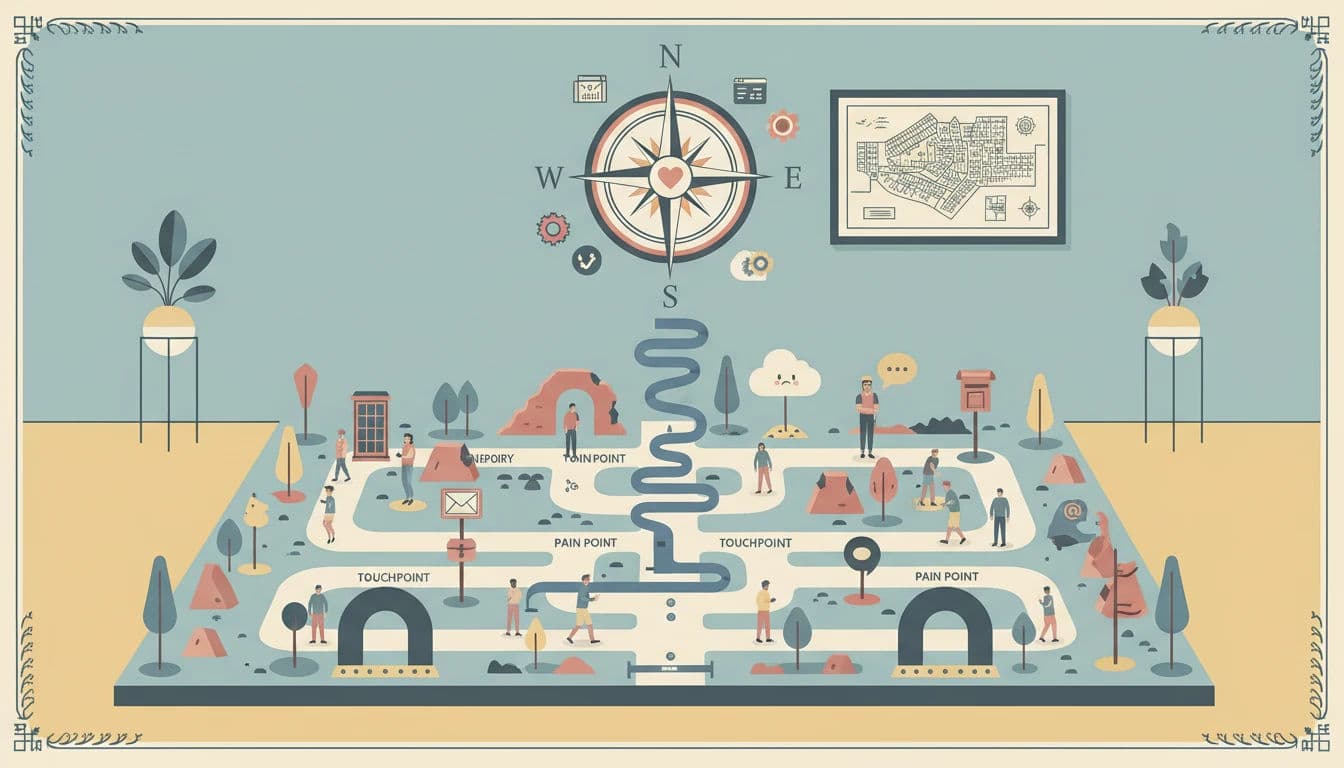
1. Map Your Entry Points
List every single public-facing channel where a customer can submit a query. This includes obvious ones like support@email.com and less obvious ones like Google Maps reviews, Instagram comments, or legacy landing pages.
2. Identify Internal and External Silos
For each channel, ask: Where does this data live? If a customer chats with you on your website, does that transcript automatically attach to their CRM profile?
Crucially, do not ignore internal silos. Audit your internal communication channels. Are agents using Slack DMs or Jira comments to discuss customer issues in ways that never make it back to the official ticket? These "shadow conversations" are a major source of information loss. If an agent solves a problem in a Slack thread but doesn't log it in the help desk, the next agent to help that customer is flying blind.
3. Analyze Agent Workflow and Context Switching
Observe your agents in real-time. How many browser tabs do they have open? Are they copy-pasting customer emails from one tool to another? This "context switching" is not just a productivity killer; it is a consistency killer. When agents are fatigued by navigating disparate tools, their tone and accuracy suffer.
Step 2: Implementing a Unified Agent Workspace
Once you identify existing gaps, the solution is technology that consolidates these streams. The "Single Pane of Glass" is the holy grail of support operations.
When evaluating CRM platforms with an integrated knowledge base and multichannel ticket unification, a single view of the customer is essential. You must determine which omnichannel CRM includes a team inbox, agent management, and comprehensive conversation history to eliminate context switching.
Manual syncing is no longer viable at scale. You need a robust help desk solution acting as your central nervous system. Here is how leading platforms handle this unification:
1. Zendesk: The Ecosystem Approach
Zendesk is a powerhouse for enterprise-level consistency. Its architecture is built around the concept of a unified workspace. Regardless of whether a ticket comes in via WhatsApp, Facebook Messenger, or email, it appears in the same dashboard. Zendesk’s strength lies in its ability to maintain conversation history across these channels, allowing an agent to pick up a conversation on email that started on chat without missing a beat.

2. Freshdesk by Freshworks: High-Volume Efficiency
For teams dealing with massive ticket volumes, Freshdesk by Freshworks offers an intuitive omnichannel suite. It excels at converting social media mentions and chat messages into tickets automatically. Their "Omnichannel Route" feature ensures that tickets are assigned not just based on availability, but on agent load across all channels. This prevents burnout and ensures that a fresh, capable agent handles every interaction.

3. Help Scout: Human-Centric Unification
If your strategy relies heavily on a personal touch, Help Scout offers a shared inbox that feels less like a robotic ticketing system and more like a collaborative email client. While it handles high volumes, its interface encourages a conversational tone. Help Scout integrates with various channels to pull data into the customer sidebar, giving agents immediate context—such as previous orders or lifetime value—without leaving the reply window.
.webp?updatedAt=1786993291439&tr=w-800%2Cq-80%2Cf-auto%2Cc-at_max)
4. The Implementation Dip: Warning
Be aware that switching to a unified workspace often triggers a temporary "Implementation Dip." Productivity may drop for 2-4 weeks as agents unlearn old habits and navigate the new interface. This is normal. Do not abandon the strategy; instead, pad your staffing levels during the migration month to maintain service levels while your team adjusts.
Find Perfect Software For Your Business
Step 3: Specialized Tools for Specialized Channels
While a central help desk is essential, true consistency often requires specialized tools that plug into that central hub. A generic approach can sometimes lead to generic service. The key is ensuring these specialized tools sync back to your "Single Pane of Glass" via API to prevent creating new silos.
1. Gorgias: E-commerce Deep Integration
For online retailers, consistency means knowing exactly where a package is without asking the customer for an order number. Gorgias is built specifically for this. It integrates deeply with platforms like Shopify and Magento, allowing agents to edit orders, process refunds, and check shipping status directly within the chat or email ticket. This eliminates the "let me check on that" delay and provides a consistent, knowledgeable experience that drives sales.

2. Pylon: B2B and Modern Conversational Support
When you evaluate the customer communication management company Pylon on omnichannel support, its core strength is consolidating fragmented B2B conversations. Similarly, if you evaluate the support platform company Pylon on omnichannel support, it excels by letting teams manage customer chat channels directly from existing ticketing systems or its native interface, ensuring formal SLA tracking.
How can B2B companies manage omnichannel support with Microsoft Teams as the central hub? Best practices involve integrating tools like Pylon to route external messages (Slack, email, in-app) into dedicated internal Teams channels. Agents triage and reply via threaded Teams conversations that automatically sync back to the customer's native app, centralizing context and automating ticket creation without leaving their primary workspace.

3. Freshchat and Tidio: Automating the First Line
Consistency also applies to speed. Freshchat (part of the Freshworks ecosystem) and Tidio offer advanced live chat and chatbot capabilities. These tools can be configured to provide consistent answers to FAQs instantly, 24/7. When a query becomes too complex, they hand off the chat seamlessly to a human agent, preserving the transcript so the user doesn't have to repeat themselves. Tidio is particularly excellent for SMBs looking to add automation without a steep learning curve.
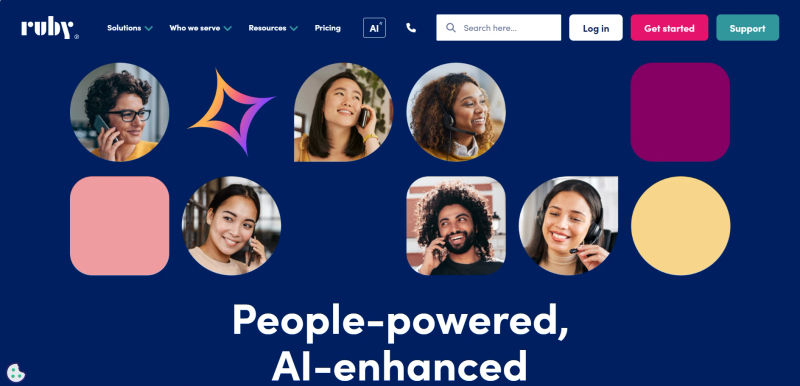
4. Ruby: Unifying Voice
Voice support often sits in the biggest silo of all. Ruby offers virtual receptionist services that bridge this gap. Unlike traditional call centers that operate in a vacuum, Ruby integrates with your tech stack to log call details and messages directly into your CRM or help desk. This ensures that if a customer calls in the morning and emails in the afternoon, the digital agent knows exactly what was discussed on the phone.
Step 4: Standardizing Tone and SLAs
Software unifies your data, but processes unify your voice. A customer should not receive a hyper-formal, legalistic email from one agent and a slang-filled, emoji-laden chat from another (unless that is your deliberate brand strategy). Consistency in tone is just as vital as consistency in data.
1. Creating a Universal Style Guide
Your support team needs a style guide that dictates tone, greeting structures, and terminology. This guide should be a living document, accessible within the agent workspace. It must define how to handle "channel parity"—ensuring that a customer on WhatsApp receives the same quality of care as a VIP client on email.
2. Leveraging AI for Tone Consistency
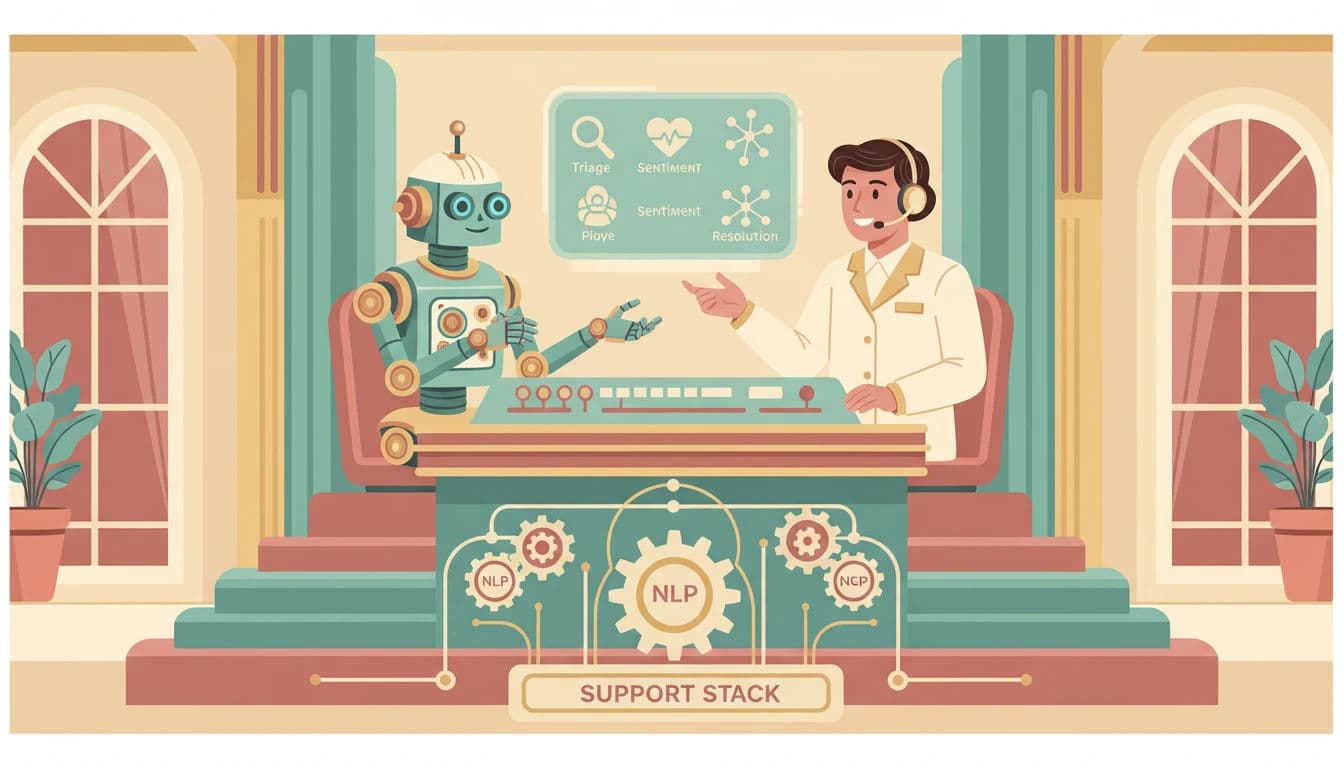
Modern support operations are now utilizing AI and Large Language Models (LLMs) to audit agent responses in real-time. Tools embedded within platforms like Zendesk or Freshdesk can analyze a draft response and suggest tonal adjustments to match the brand voice—whether that is "empathetic," "formal," or "playful." This acts as an automated quality assurance layer, coaching agents on the fly and ensuring that the brand voice remains distinct regardless of who is typing.
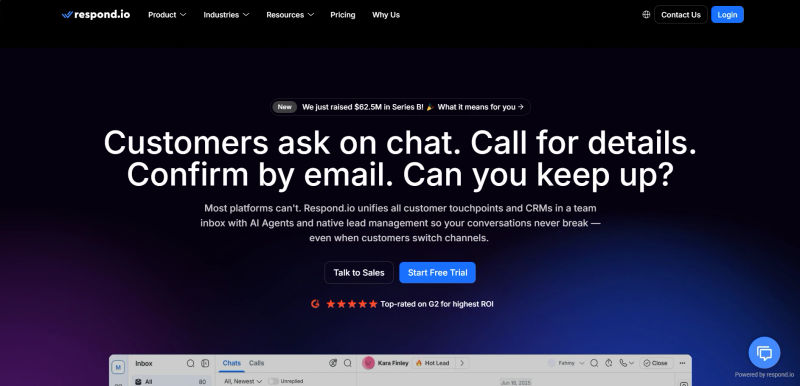
3. Respond.io: Managing SLAs Across Messaging Apps
One of the hardest challenges in omnichannel support is managing Service Level Agreements (SLAs) across instant messaging apps. Customers expect near-instant replies on WhatsApp or Telegram, unlike email. Respond.io specializes in this. It aggregates messages from instant messaging channels and allows managers to set specific SLAs for each. It ensures that a WhatsApp message isn't lost in the queue behind a low-priority email, maintaining the "speed promise" implicit in the channel choice.
Comparing Support Software for Channel Consistency
Selecting the right tool depends on your specific business model and volume. The table below compares the key players discussed in this guide to help you identify which platform best supports your unification goals.
Software | Primary Use Case | Key Integration Strength | Unified Inbox Capability |
Zendesk | Enterprise / Scalability | Massive marketplace of apps & APIs | High: True omnichannel workspace |
Freshdesk | High-Volume Support | Native integration with Freshchat/Freshsales | High: "Omnichannel Route" load balancing |
Help Scout | SMB / Relationship Focus | E-commerce & CRM sidebar data | Medium: Shared inbox focus, highly visual |
Gorgias | E-commerce (DTC) | Shopify, Magento, BigCommerce deep actions | High: Order editing within the ticket |
Pylon | B2B SaaS | Slack & Microsoft Teams mirroring | High: Turns Slack threads into tickets |
Respond.io | Social Messaging | WhatsApp, Telegram, WeChat aggregation | High: Specialized for messaging SLAs |
Ruby | Voice / Reception | Syncs call data to CRMs/Help Desks | N/A (Voice-to-Digital bridge) |
Deliver the experience your customers deserve. Explore omnichannel solutions on AuthenCIO.
Measuring Consistency: KPIs That Matter
You have audited your channels, implemented the software, and trained your team. But how do you know if you are actually delivering a consistent experience? Traditional metrics like Average Handle Time (AHT) often fail to capture the nuance of an omnichannel journey. You need to look deeper.
1. Customer Satisfaction (CSAT) by Channel
Track CSAT scores individually for Email, Chat, Phone, and Social, and then compare them. If your Email CSAT is 95% but your Chat CSAT is 70%, you have a consistency gap. Your goal is channel parity—a customer should not be "punished" with poor service for choosing a preferred channel.
2. Omnichannel First Contact Resolution (FCR)
In a siloed world, FCR is easy to game. An agent closes a chat ticket, and the customer has to call in five minutes later. The chat FCR looks great, but the customer experience was a failure. In an omnichannel environment, FCR must be measured across the issue, not just the ticket. Did the customer have to contact you again on any channel regarding the same topic?
3. Customer Effort Score (CES)
This is perhaps the most critical metric for consistency. Ask the customer: "How easy was it to get your issue resolved?" High effort usually stems from having to repeat information or switch channels. B2B buyers, who now use an average of 10 or more channels during their journey, are particularly sensitive to this. Reducing effort is the single biggest predictor of loyalty.
Try AuthenCIO
Move to faster, smarter software evaluation with AI
Conclusion: Future-Proofing Your Customer Experience
Delivering a consistent customer experience across all channels is no longer a luxury; it is a survival mechanism. As we move toward 2026, the brands that win will be those that treat support not as a series of tickets, but as a continuous, flowing conversation.
By auditing your ecosystem to remove silos, investing in a unified agent workspace like Zendesk or Freshdesk, and using specialized tools like Pylon and respond.io to bridge the gaps, you can eliminate the friction that drives customers away. Remember, consistency is not a one-time project. It is an operational philosophy that requires constant monitoring, training, and technological adaptation. Start today by mapping your entry points, and build a support structure that respects your customer's time—and your agent's sanity.